
Overview
While Assembly never displays your birth year, you may prefer not to show your birthday on your profile at all. You can easily hide it in your account settings in just a few steps.
To hide your birthday in Assembly by Quantum Workplace:
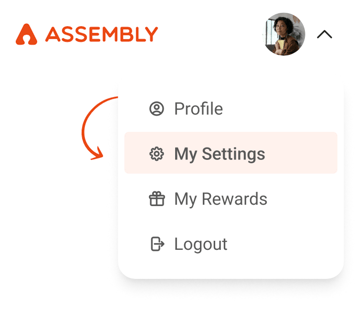
- Click your profile icon in the top right, then select "My Settings" from the dropdown.
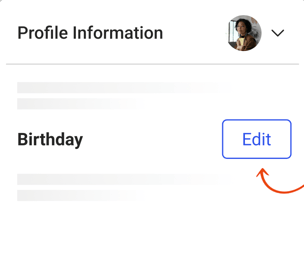
- Scroll to the "Birthday" section at the bottom of the settings page, and click "Edit"
- Check the box to hide your birthday, and then click "Save Changes" to confirm.
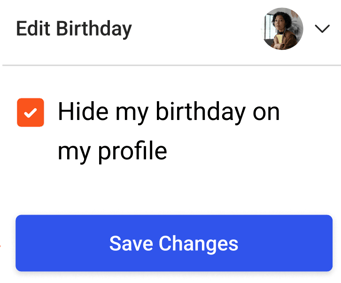
Once saved, your birthday will no longer be visible on your profile.