
Last Updated: May 21, 2026
In this article:
Overview
Assembly's feed filters help you see the activity most relevant to you. Filter by teams, departments, locations, and more to customize your experience.
Default Feed Filters
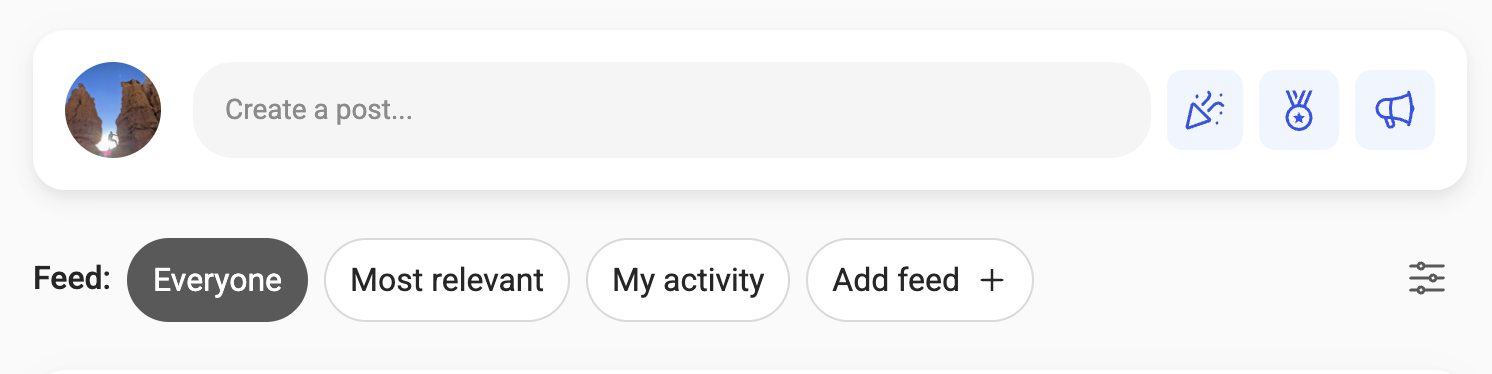
- Everyone: All posts from your organization in chronological order
- Most relevant: Personalized feed prioritizing posts from your team, department, and people you interact with (organizations with 100+ users only)
- My activity: Your posts, recognition given and received, mentions, and replies
My Activity Quick Filters
- Click 'Recognition received' to see all recognition you've earned
- Click 'Recognition given' to see all recognition you've given
Additional Feed Filters
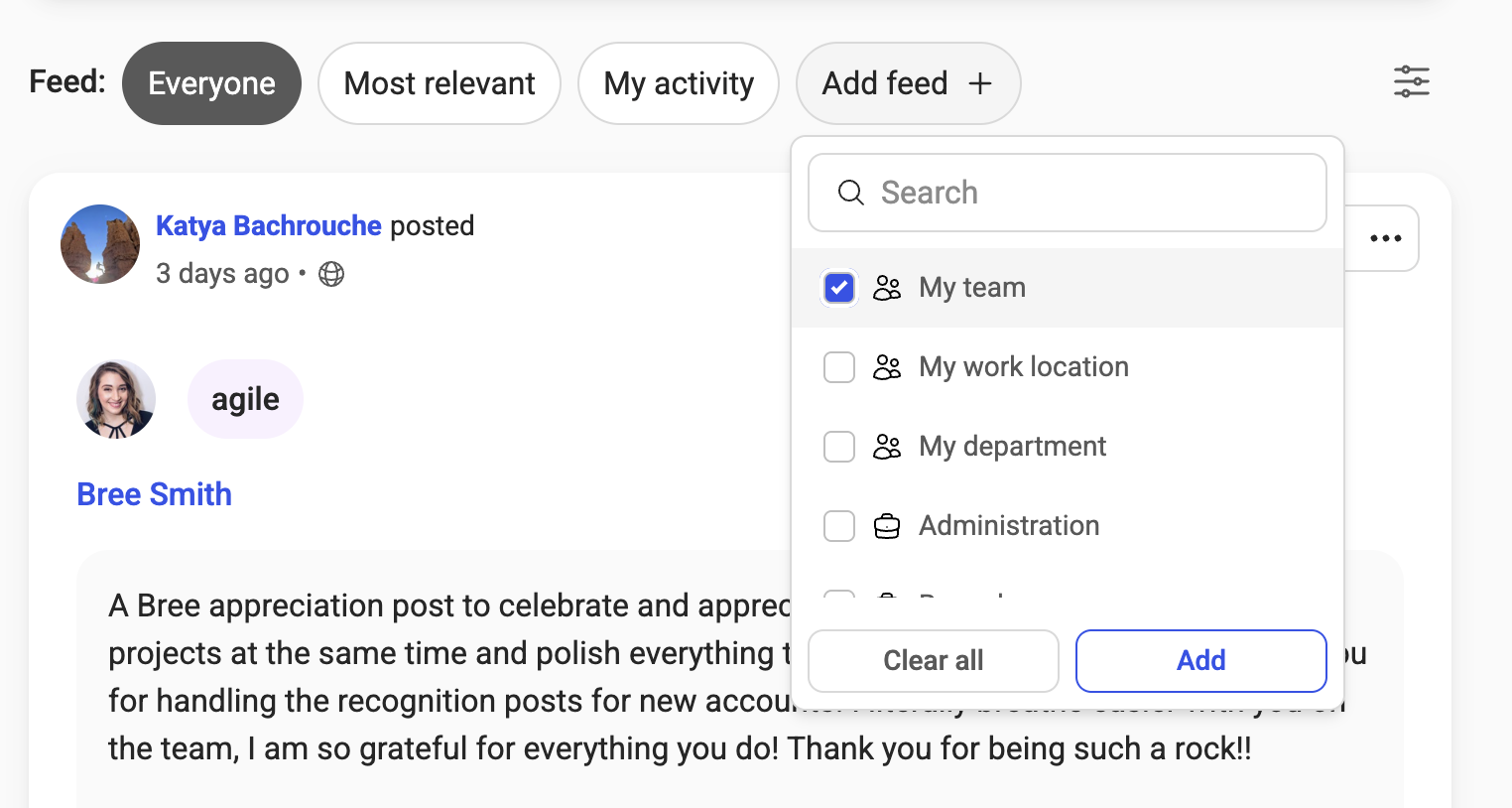
Organizations can enable additional filters based on their structure:
- My team: Your activity and your team's (managers see direct reports + their own; individual contributors see their manager and peers)
- My work location: All activity from your office location
- My department: All activity from your department
- Other groups: Custom groups your organization has created
Secondary Filters

Click the filter icon to narrow your feed further:
- From: Posts by a specific person
- Mentioned: Posts mentioning specific people
- Post type: Filter by recognition, awards, announcements, spaces, or flows
- Date created: View posts from a specific date range
- In: (Legacy flows only) Filter by flow
Frequently Asked Questions
What's the difference between 'My team' and 'My department'?
'My team' shows your direct reports; 'My department' shows everyone in your department regardless of reporting structure.
How is the 'Most relevant' feed personalized?
It's based on who you interact with, your team, your department, and your work location. It follows social media patterns to show you content that matters most.
Can I save my preferred filter?
No, but Assembly remembers your last selected filter when you visit.