
In this article:
Overview
The fastest way to get to the Assembly app download page is by scanning a QR code with your phone's camera. This takes you directly to the App Store or Google Play listing for Assembly, no searching required.
If you don't have a QR code handy or prefer to search manually, you can always find the app by searching "Assembly Digital HQ" in your device's app store.

Scanning the QR Code
- Open your phone's default camera app (no special QR app needed).
- Point your camera at the QR code until a notification or link appears on screen.
- Tap the notification or link to be redirected to the Assembly app listing in your app store.
- Tap Get (iPhone) or Install (Android) to download the app.
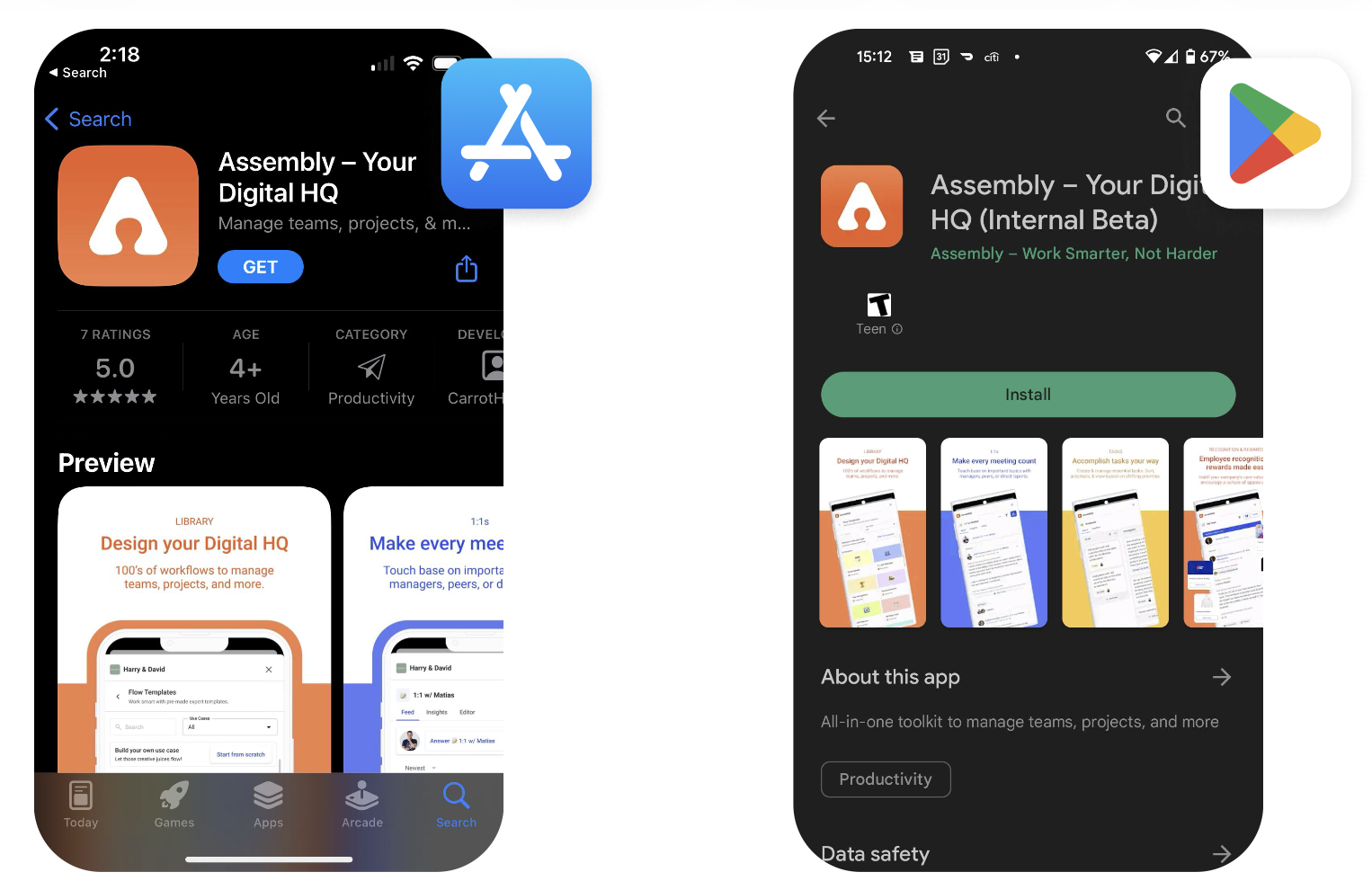
💡 Tip: Most modern iPhones and Android phones can scan QR codes directly from the default camera app — no additional app needed.
Finding the App Manually
If you're unable to scan the QR code, you can find the Assembly app by searching directly in your app store:
- iPhone: Open the App Store and search "Assembly Digital HQ"
- Android: Open the Google Play Store and search "Assembly Digital HQ"
Look for the orange Assembly icon. Tap Get or Install to download.