
Last Updated: June 10, 2026
In this article:
Before You Begin
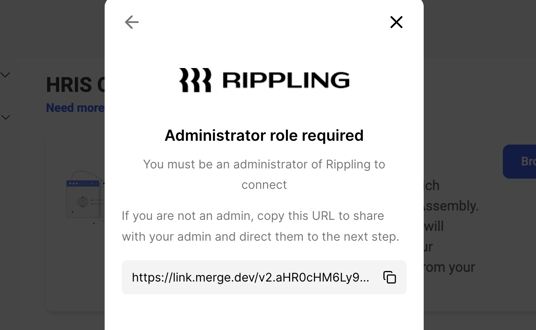
- You must be an admin in both Assembly and Rippling.
- Log in to both Assembly and Rippling using the same email address.
- Ensure the Assembly app is not already installed in Rippling to avoid connection errors.
Authorization & Data Import
- From here, click User management in the left navigation.
- Click Manage.
- Click "See all integrations" and select Rippling.
- Click Connect account.
- Choose whether you or someone else will authorize the installation (you should typically select 'I'm the Assembly admin').
- Click Authorize after reviewing the data Assembly imports.
- Select whether to include or exclude contractors from your Rippling organization. (Automatic selection is recommended.)
- Specify when new employees should be added (during their start date, for example).
- Click Continue, then Next.
- Click Finish Setup. Your connection is now successful.