
Last Updated: June 16, 2026
In this article:
Note: As Assembly features are being incorporated into Quantum Workplace, some users may see a slightly different experience than what is described in this article. The content below reflects the Quantum Workplace Rewards & Recognition platform experience.
Overview
Determine which emails your employees receive and customize the appearance of all Assembly emails with your company's branding. When you configure these settings, changes apply to all Organization-wide emails.
Customizing Email Branding
Change Your Email Logo
- Go to https://admin-app.joinassembly.com/settings/email-settings
- Click 'Choose logo'
- Upload your organization's logo or preferred image
- Click 'Save'
Change Your Primary Button Color
- Go to https://admin-app.joinassembly.com/settings/email-settings
- Click the color input
- Enter a hex color value or pick from the color palette
- Click 'Save'
Your logo and button color changes apply to all Assembly emails, not just the notifications below.
Key Notification Emails
[Screenshot: Email preview panel]
Welcome Email
Sent when employees are activated in Assembly:
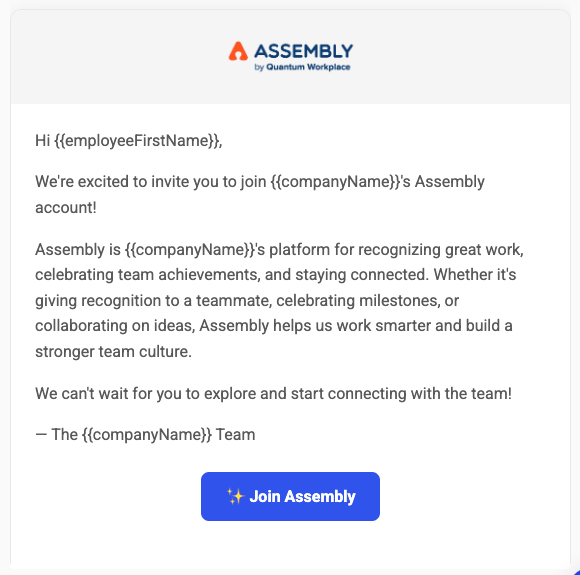
Customize the welcome email:
- Go to https://admin-app.joinassembly.com/settings/email-settings
- Click 'Welcome email'
- Click 'Edit message'
- Update the subject, message body, and CTA text
- Click 'Save'
- To disable, toggle off (employees won't be notified they've been added)
Recognition Reminder
Sent to employees who haven't given recognition in the past week/two weeks/month depending on settings:
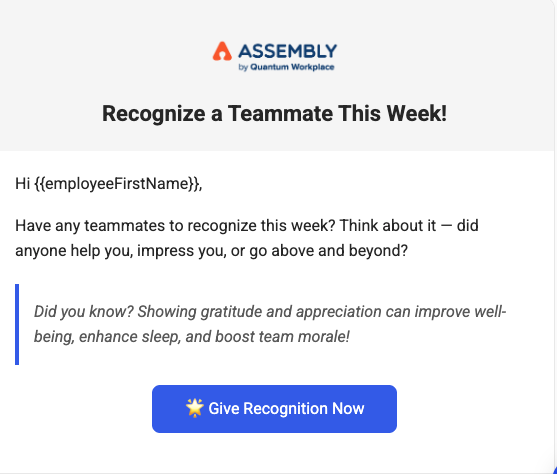
Change the frequency:
- Go to https://admin-app.joinassembly.com/settings/email-settings
- Click 'Recognition reminder'
- Next to 'Reminder frequency', select your desired frequency from the dropdown
Allowance Refresh
Sent when each employee's giving allowance resets:
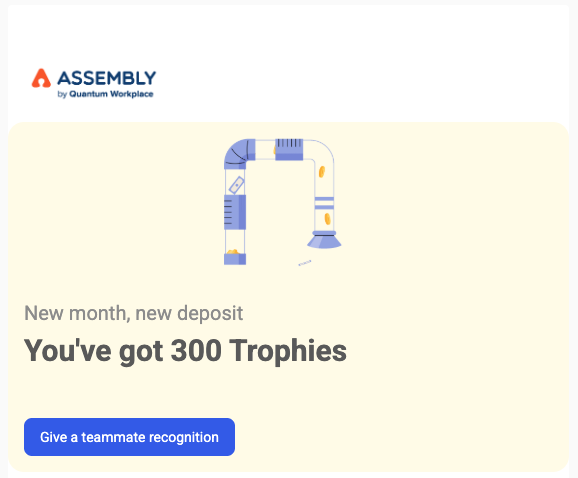
- Monthly: First day of each month
- Quarterly: First day of each quarter
- Yearly: January 1
Allowance Expiration
Sent on the last Wednesday of each month/quarter/year (two weeks before December end):
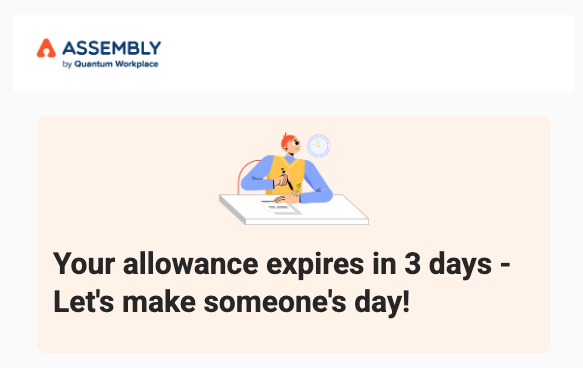
This email has the highest engagement rate for encouraging recognition participation.
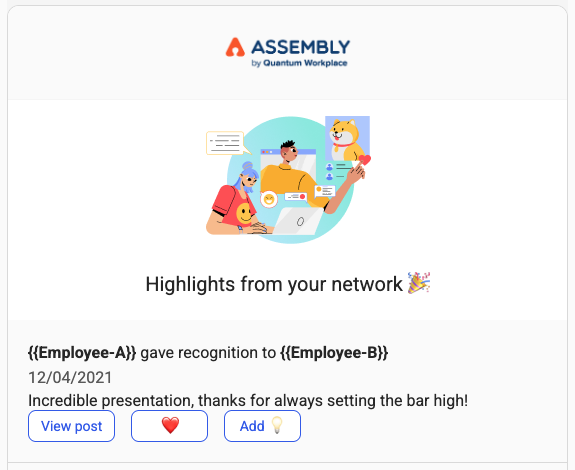
Weekly Highlights
Sent every Friday to all employees with a summary of top posts and personalized recommendations:
Frequently Asked Questions
Will employees see my custom logo in all emails?
Yes. Your logo and button color apply to all Assembly emails, including recognition reminders, announcements, and challenge notifications.
Can I customize emails for individual departments?
These settings apply organization-wide. For more granular control, you'd need to manage those aspects through your HRIS or manually.
Can employees disable these emails?
Most Assembly emails can be managed by employees from their My Settings/Notifications page. Some admin-controlled emails (like these) require admin adjustment.